WhatsApp Broadcast vs Group: Choose the Right Format for Customer Updates
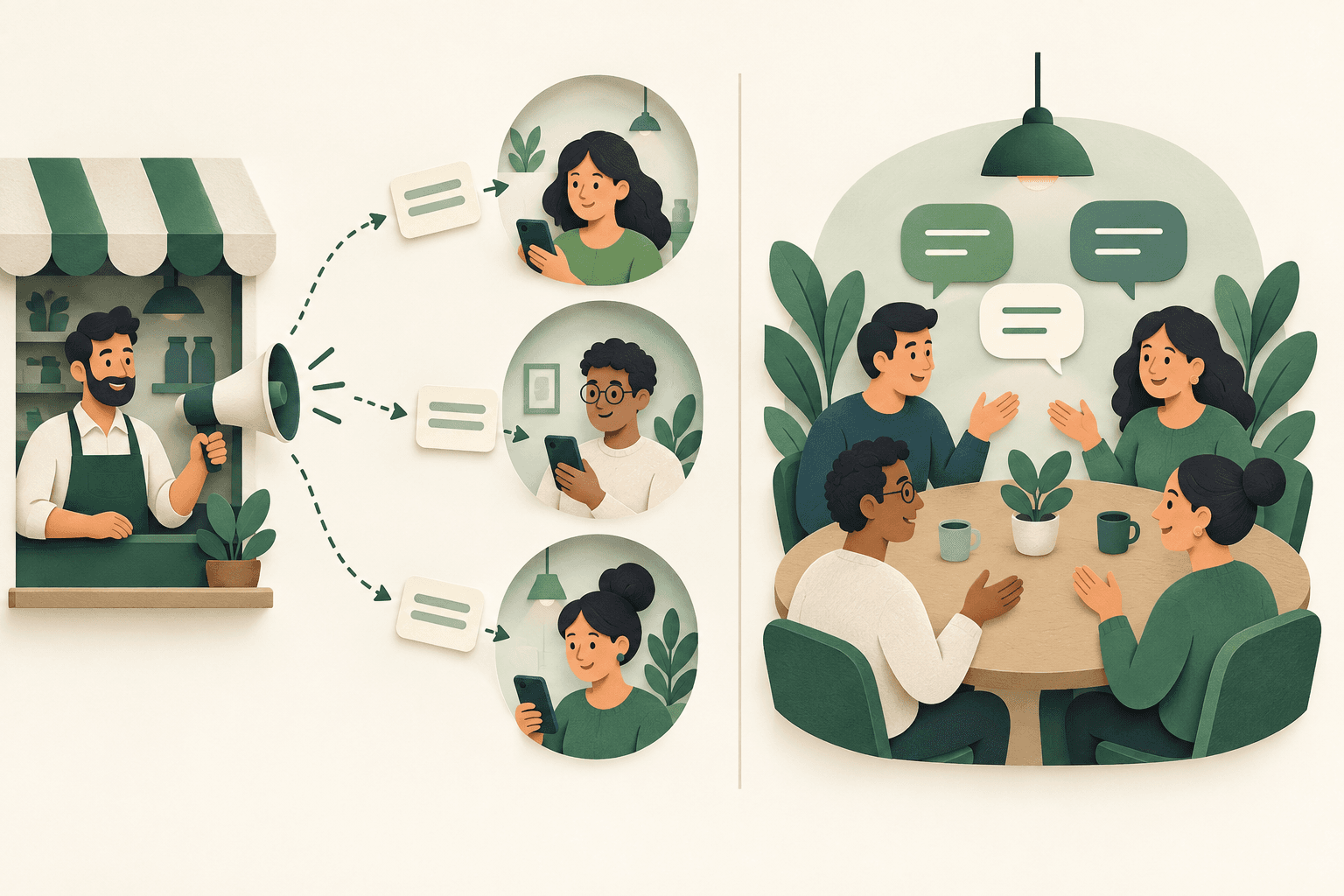
Choose a WhatsApp broadcast when several customers need an update but each conversation should stay individual. Choose a group when the participants benefit from a shared discussion. Sending the same words to several people does not mean those people need to meet each other in one chat.
Make that decision before preparing your list or comparing tools. Then identify which broadcast feature your account actually offers: ordinary broadcast lists and newer business broadcasts have different conditions. This guide uses hypothetical examples to help you choose a format, assign replies and decide whether checking an existing customer list would be useful.
1. Decide who should see the conversation
Start with the reply you want. A customer asking whether a particular size is available needs a conversation with your business. Workshop participants comparing project ideas may need to hear one another. A shared chat adds value only when that shared context serves the participants; convenience for the sender is an incomplete reason to create one.
For a hypothetical shop announcing that an item is back in stock, a private update lets each interested customer ask about their own order. For a workshop discussion, a group can support questions and responses that other attendees can use. An individual quote follow-up usually belongs in the existing private conversation, especially when it includes customer-specific terms. It may not need any broadcast at all.
| Situation | Starting choice | Reason |
|---|---|---|
| Relevant stock update to interested customers | Private broadcast | Each reply concerns an individual purchase |
| Workshop participants exchanging ideas | Group | Participants benefit from shared discussion |
| Follow-up on one customer's quote | Individual chat | The context and terms belong to that customer |
| Event reminder without attendee discussion | Private broadcast | A common update does not require a shared chat |
2. Identify the broadcast product before using a checklist
The word broadcast can refer to different WhatsApp features. Consult the Help Center for ordinary broadcast lists rather than applying an old tutorial to every WhatsApp Business account. The current WhatsApp Business resource also describes business broadcasts: private messages sent to multiple recipients, with features such as scheduling and engagement insights. These are distinct from creating a group.
The business resource explicitly describes reaching recipients who have not saved the business's number. Meta's April 2025 announcement introduced business broadcasts as a paid feature. Consequently, neither a saved-number rule nor a claim that broadcasts are always free belongs in a universal comparison. Check the feature shown in your account, its current charges and available audience controls before planning the update. Avoid using a single list-size limit as the basis for choosing the format.
- Find the exact feature name in your sending account.
- Review its current audience requirements and charges.
- Keep format selection separate from assumptions about delivery.
3. Design the update and the reply path together
For a private stock update, define the relevant segment, state what is available and give one next step. Assign someone to handle replies about availability, reservations or alternatives. Do not include another customer's order details in the shared message text. A useful draft should still make sense to each recipient when read as an individual conversation.
For a workshop group, explain its purpose before inviting participants: what belongs in the discussion, who will moderate it and when it will close or become inactive. Review membership visibility and posting settings in the actual group configuration. If participants only need logistics, reconsider whether a shared discussion is necessary. Handle personal booking details privately even when the broader event has a group. For broader planning, see our WhatsApp marketing strategy for an existing audience.
- Name the customer need and one expected next action.
- Assign ownership of replies and moderation.
- Keep personal order and quote details in individual conversations.
4. Prepare the audience before considering a number check
Use your own customer records to decide who belongs in the update. Keep the source of each contact, the relevant enquiry or purchase, messaging preferences and opt-out records. A past purchase alone does not tell you which future announcements the person expects. Exclude records that do not fit the purpose, and resolve uncertain records before treating them as an audience.
If an existing, appropriately selected list needs WhatsApp registration information, a registration check can be an optional preparation step. PSYKE checks numbers; it does not send the update or manage a group. Its result does not establish permission to message, prove that a recipient saved your number, or guarantee delivery or a reply. Keep these questions in separate fields so a technical result cannot overwrite your customer relationship records. Our guide to WhatsApp number checks and audience readiness explains that preparation step in more detail.
5. Make a small operational plan before sending
Record the chosen format, the exact sending feature, the audience definition and the person responsible for responses. Review the message from the recipient's perspective: why is this relevant now, what should they do, and where can they ask a private question? Check current platform requirements in the tool you will use. A file prepared elsewhere does not settle those requirements.
If you need registration information for your owned list, review PSYKE's current WhatsApp services and service definitions before ordering. Keep the check date and selected service with the results. Then carry out sending and response handling in your chosen WhatsApp tool. Evaluate actual replies and requests to stop separately from the number-check result; neither a group membership nor a positive check is a permanent audience entitlement.
Frequently asked questions
Is a broadcast better than a group for customer updates?
Use a private broadcast when each customer needs an individual conversation. Use a group when participants benefit from discussing together. For a customer-specific quote, an individual chat may be sufficient.
Do all WhatsApp broadcasts require recipients to save my number?
Do not apply one rule to every feature. WhatsApp distinguishes ordinary broadcast lists from business broadcasts; its current business resource describes business broadcasts reaching customers who have not saved the business number. Check your account's exact feature and conditions.
Will a PSYKE check make my broadcast deliverable?
No. Registration information is one input for preparing an existing list. It does not confirm messaging permission, address-book status, delivery or response, and PSYKE does not send the broadcast.