How to Choose a Bulk WhatsApp Number Checker
Updated:
Choose a WhatsApp number checker by the answer you need, the size of your list and the work required to get a usable export. A tool that suits a single lookup may be a poor fit for a recurring batch. Compare the same requirements before comparing the advertised price.
Start with registration or activity, then check the minimum order, supported country and billing basis. These questions help you decide whether a service fits your list before you pay.
Start with the answer you need
Registration checking provides a signal about whether a number has a WhatsApp account. Choose it when you need that observation in your contact records. Activity checking provides a separate activity-related signal; consider it when that additional information changes how you review or segment your list.
Ask what you will do differently with each result. If activity would not change your decision, it is not automatically the better purchase. Neither check establishes identity, message delivery or permission to contact someone. Keep those questions separate from the service result. For a campaign, connect the check to your WhatsApp marketing plan and review the distinction between registration and audience readiness before handing the list to the sending team.
- Registration: you need an account-presence signal.
- Activity: you need an additional signal for list review.
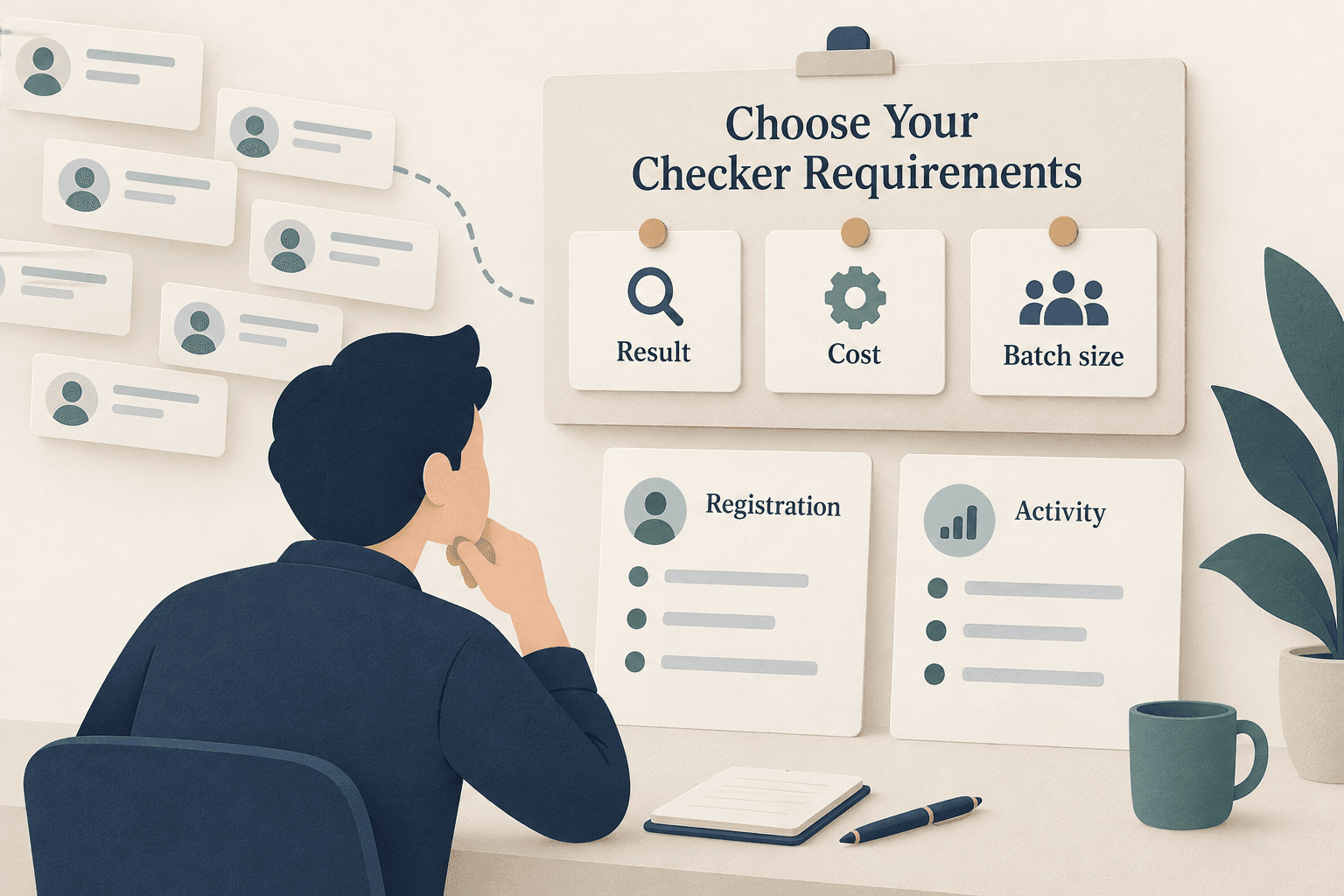
Compare tools using the same requirements
A browser service, installed tool and API can serve different working habits. Use the table as a purchasing checklist, not a ranking: confirm each requirement with the provider. In particular, ask what account access or local setup the tool requires and whether it exports results for your whole batch.
For recurring integration, compare bulk checking APIs by batch model, billable quantity and output. Use the bulk-checking API requirements for implementation details. A browser order may be more convenient for manually uploading a file and inspecting its result.
| Buying criterion | Browser service | Installed tool | API integration |
|---|---|---|---|
| Setup to confirm | Account and upload steps | Installation and account access | Credentials and integration work |
| Batch fit | File types and minimum order | Import limits and local requirements | Submission limits and repeat runs |
| Usable output | Download format and field definitions | Export availability and field definitions | Result retrieval and field definitions |
Compare the full order cost
Compare the same service and billable quantity. A low per-number rate is incomplete without the minimum batch, wallet requirements and explanation of which input numbers are charged. Ask whether repeats and rejected input change the payable count; do not assume billing depends on how many accounts are found.
In PSYKE, an order requires at least 2,000 valid numbers after normalization. Review the displayed rate, billable count and estimated total before starting. Use WhatsApp checks and current pricing for the available services; an old article or another provider’s offer is not a current quote.
- Free vs paid: compare actual batch allowance, required account access and downloadable output before comparing the price. PSYKE does not promise free checks.
Check what comes back
Look for a downloadable result with understandable field definitions. Decide how you will match returned numbers to your contact records, especially if processing changes row order. You need the result of the selected check, not a promise that every possible profile field will be available.
Keep the service name, check date and original export together. Missing values need an explanation before you treat them as negative results. This makes the file useful for your team and keeps later comparisons tied to the same type of check.
Choose the WhatsApp check for your list
PSYKE offers separate WhatsApp registration and activity checks. Confirm your country in the order form and prepare TXT or CSV input; the phone number must be the first field in a CSV. If your list needs cleanup, prepare your phone-number list before placing the order.
Open the WhatsApp product page, choose the result you need and review the current order conditions. Check that your processed list meets the minimum, then inspect the estimated cost and wallet balance before starting. Follow the order in the app and download the result when it completes.
- Choose registration or activity.
- Confirm country, minimum batch and current total.
- Start the selected check and download the completed result.
Frequently asked questions
Do I need registration checking or activity checking?
Choose registration for an account-presence signal. Choose activity when an additional activity-related signal will change your list-review decision. Do not assume activity includes every other check.
Is a free WhatsApp checker enough for a large list?
Check its actual batch allowance, account requirements and export options. A free single-number lookup and a paid bulk service may solve different jobs. Compare the full workflow for your list.
Can I use PSYKE for a small handful of numbers?
The minimum order is 2,000 valid numbers after normalization. Check the processed count before starting; the number of lines in your original file can be different.