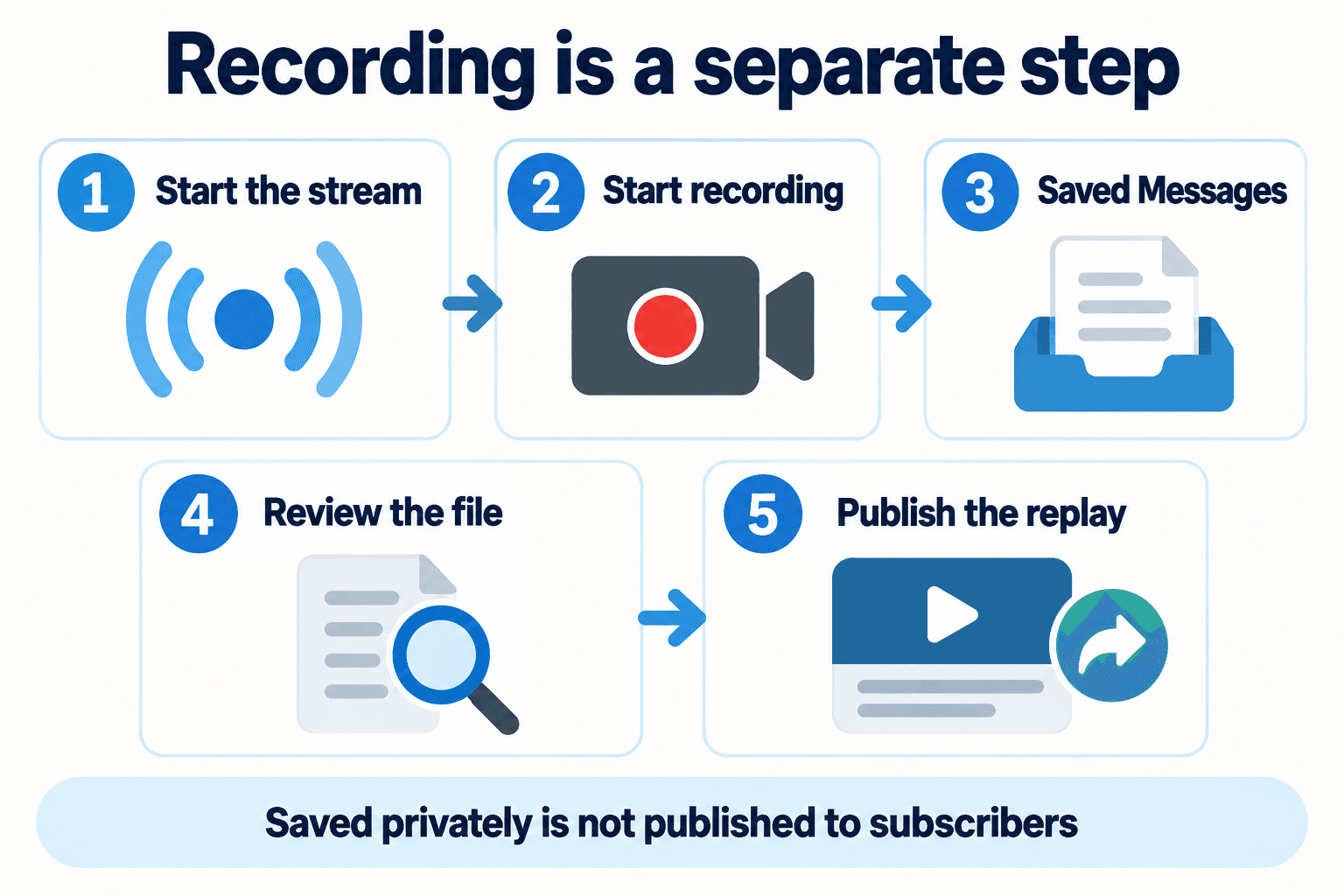
Where Is Your Telegram Webinar Recording? Record and Publish a Replay
Find a Telegram live stream recording in the recording admin’s Saved Messages, check the file, and publish a usable webinar replay for your subscribers.
Read guide
PSYKE BLOG
Every published guide in one place. Choose a language, explore a topic or search for a question.
Find a Telegram live stream recording in the recording admin’s Saved Messages, check the file, and publish a usable webinar replay for your subscribers.
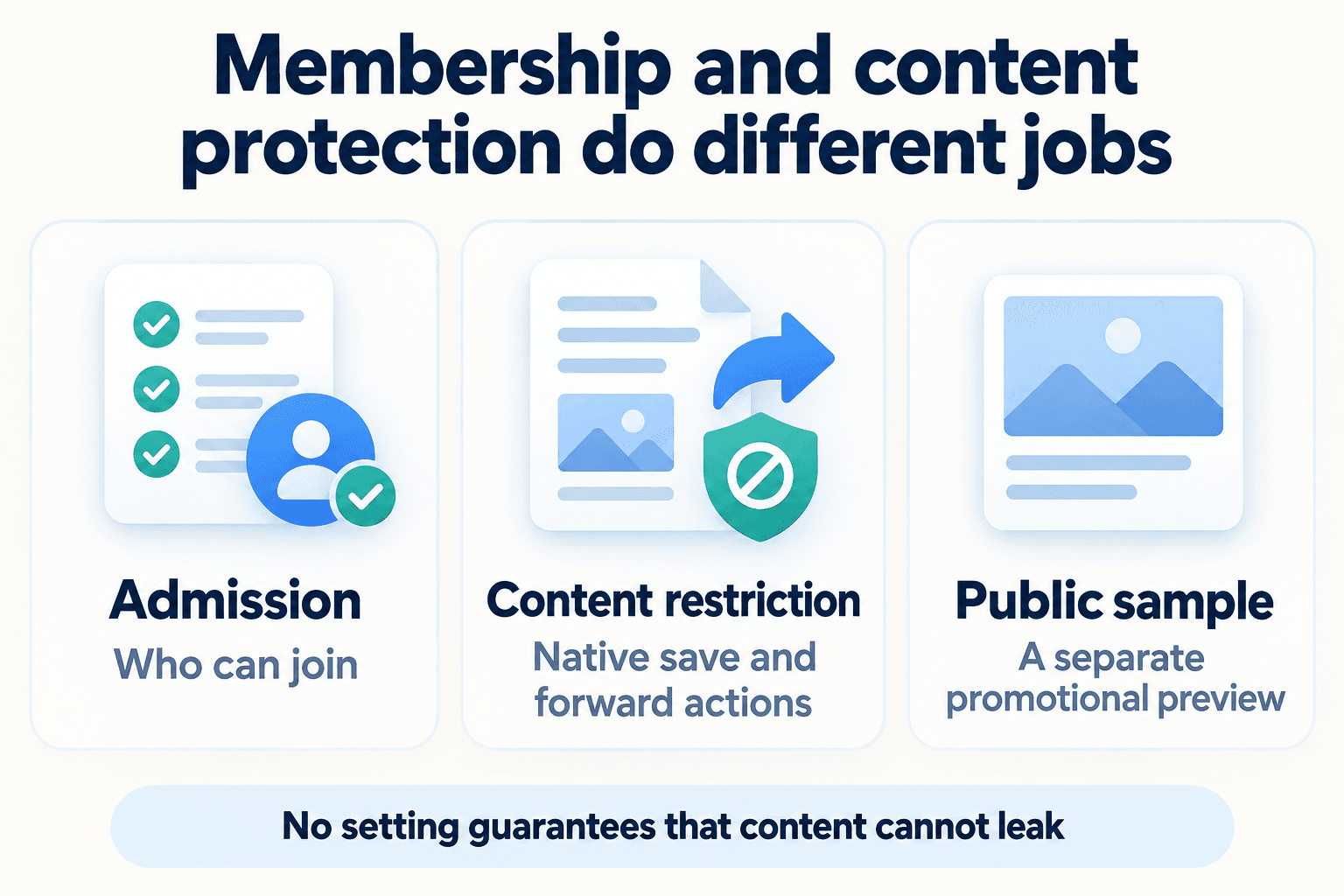
Set Telegram's Restrict Saving Content as the channel owner, check native sharing controls, and keep a separate public preview for prospective members.
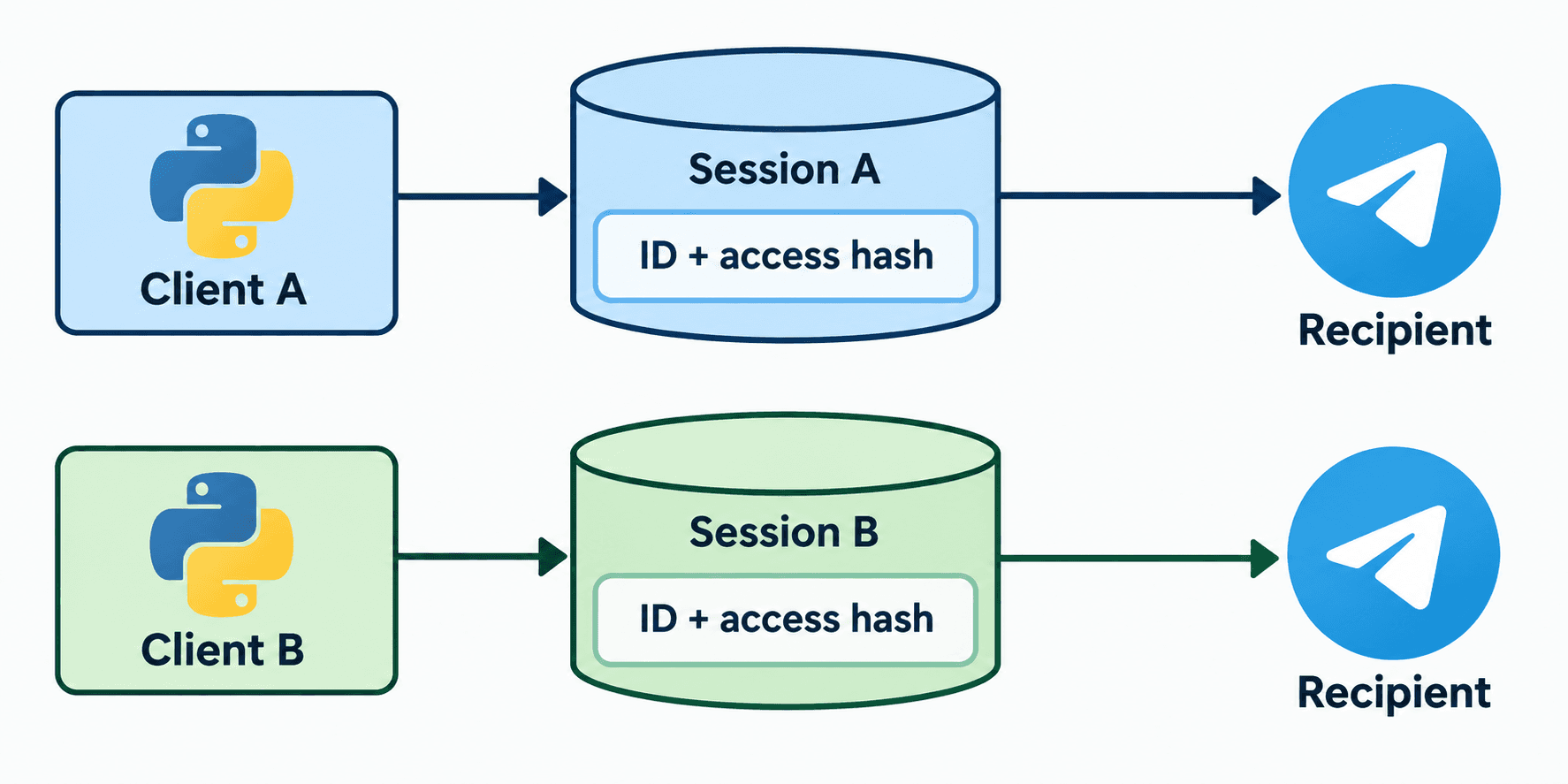
Fix Telethon input-entity lookup failures using a known username, an existing dialog or the incoming event, while keeping IDs and account-specific hashes distinct.
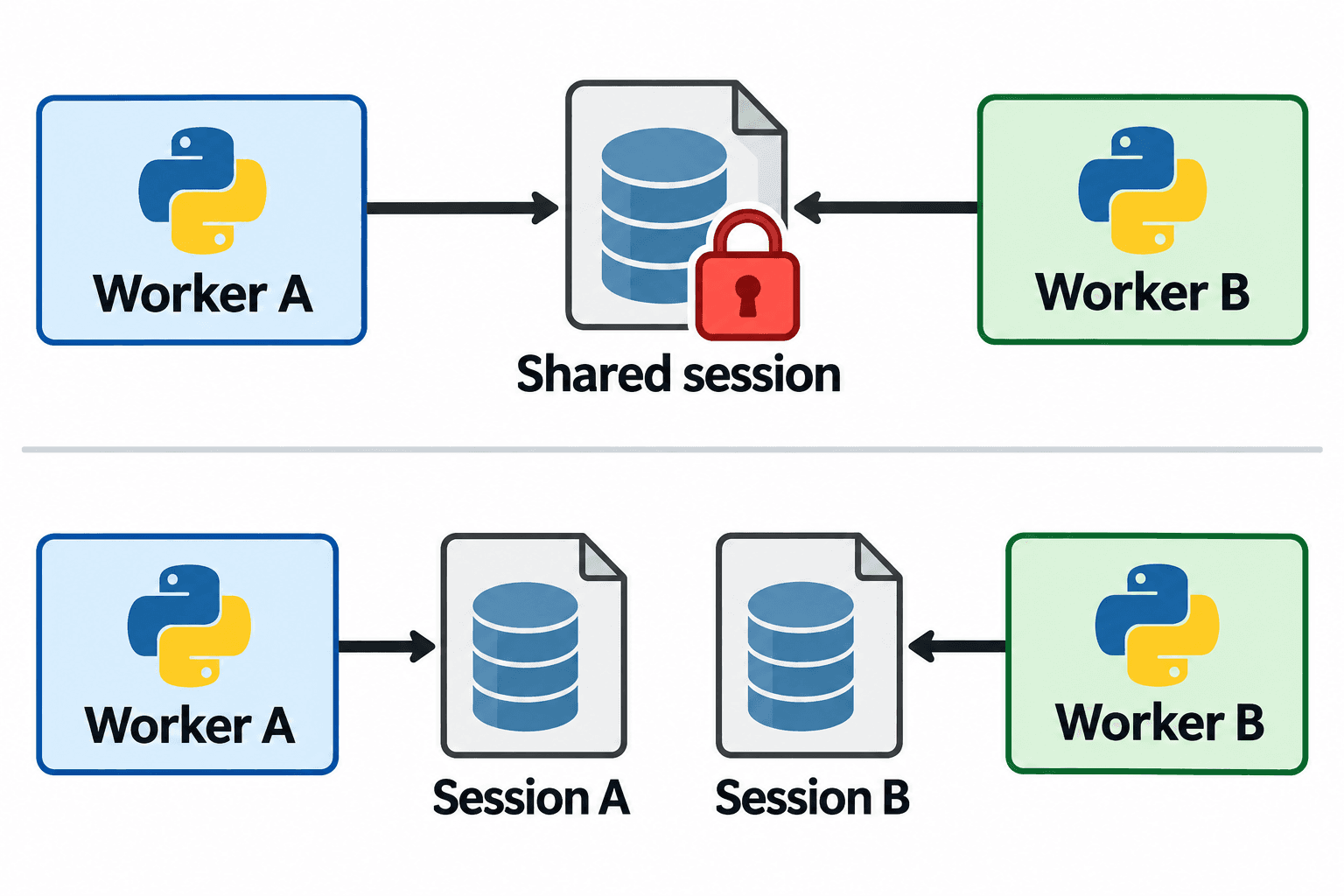
Fix Telethon sqlite3 database is locked errors by identifying the exact session file, stopping duplicate owners, and testing a single client before resuming work.
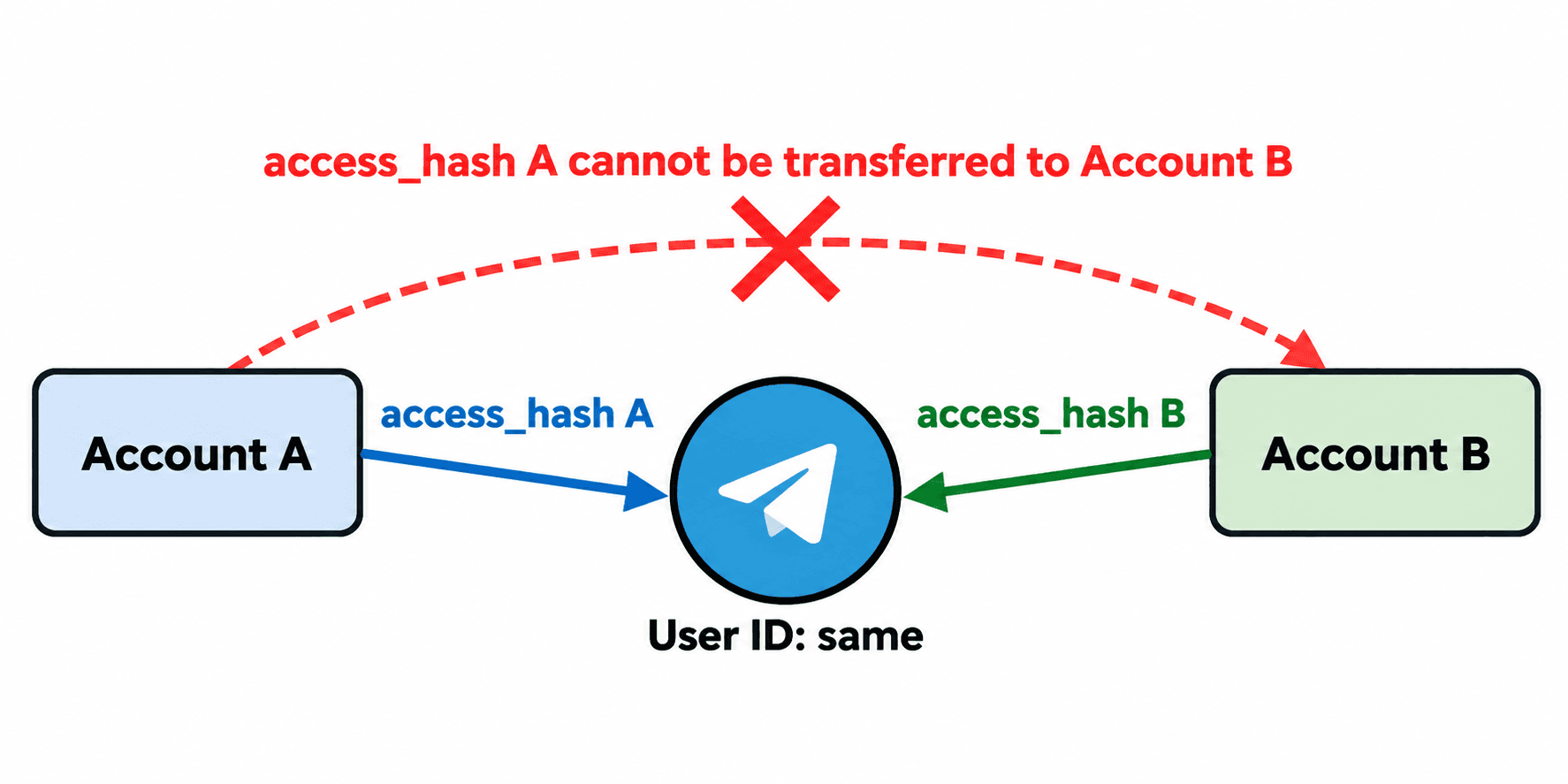
Design Telethon peer caches for multiple authorized accounts: keep target IDs separate from access hashes scoped to each account and login authorization.
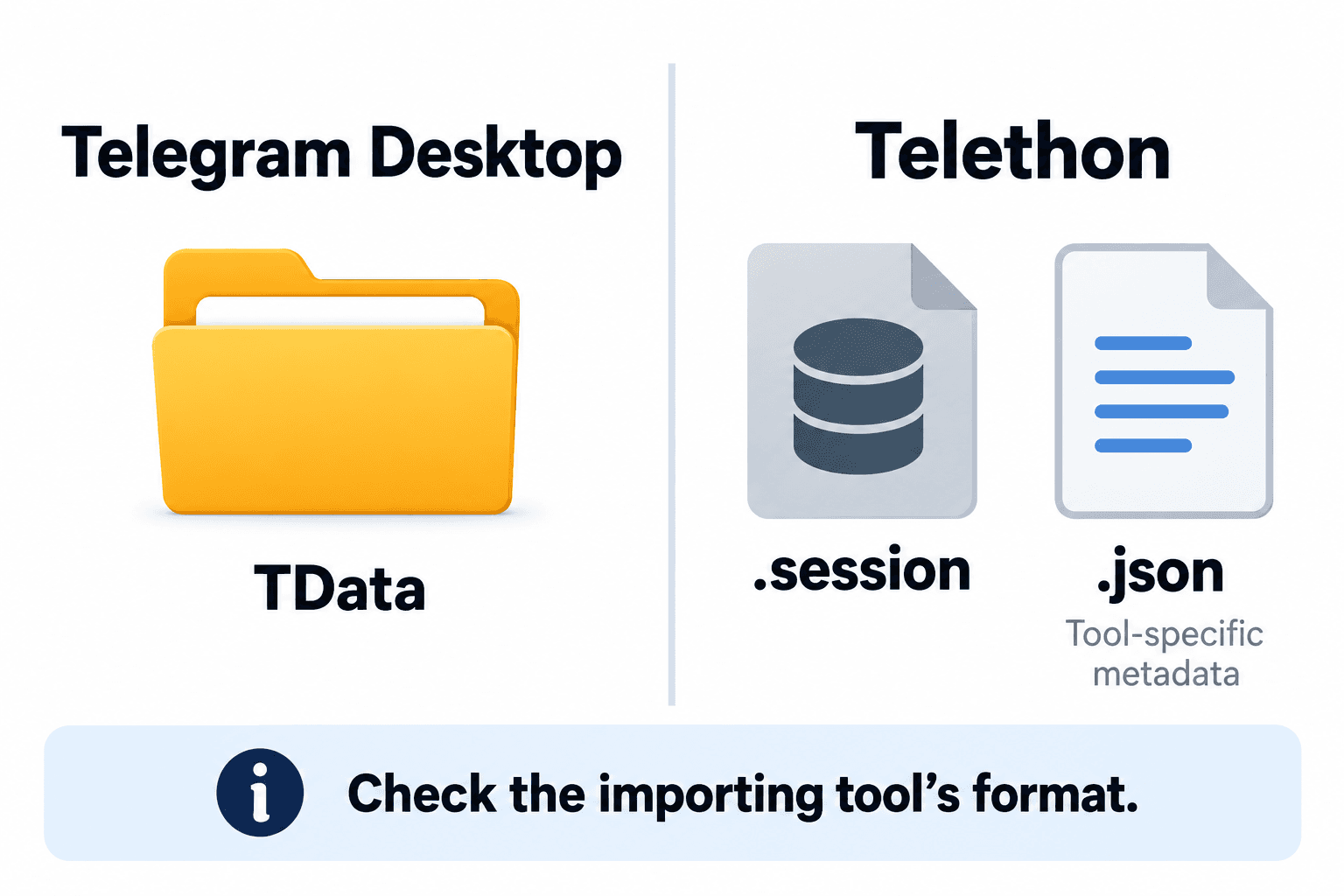
Compare Telegram Desktop tdata, Telethon SQLite sessions and tool-specific JSON metadata before importing or migrating an authorized account.
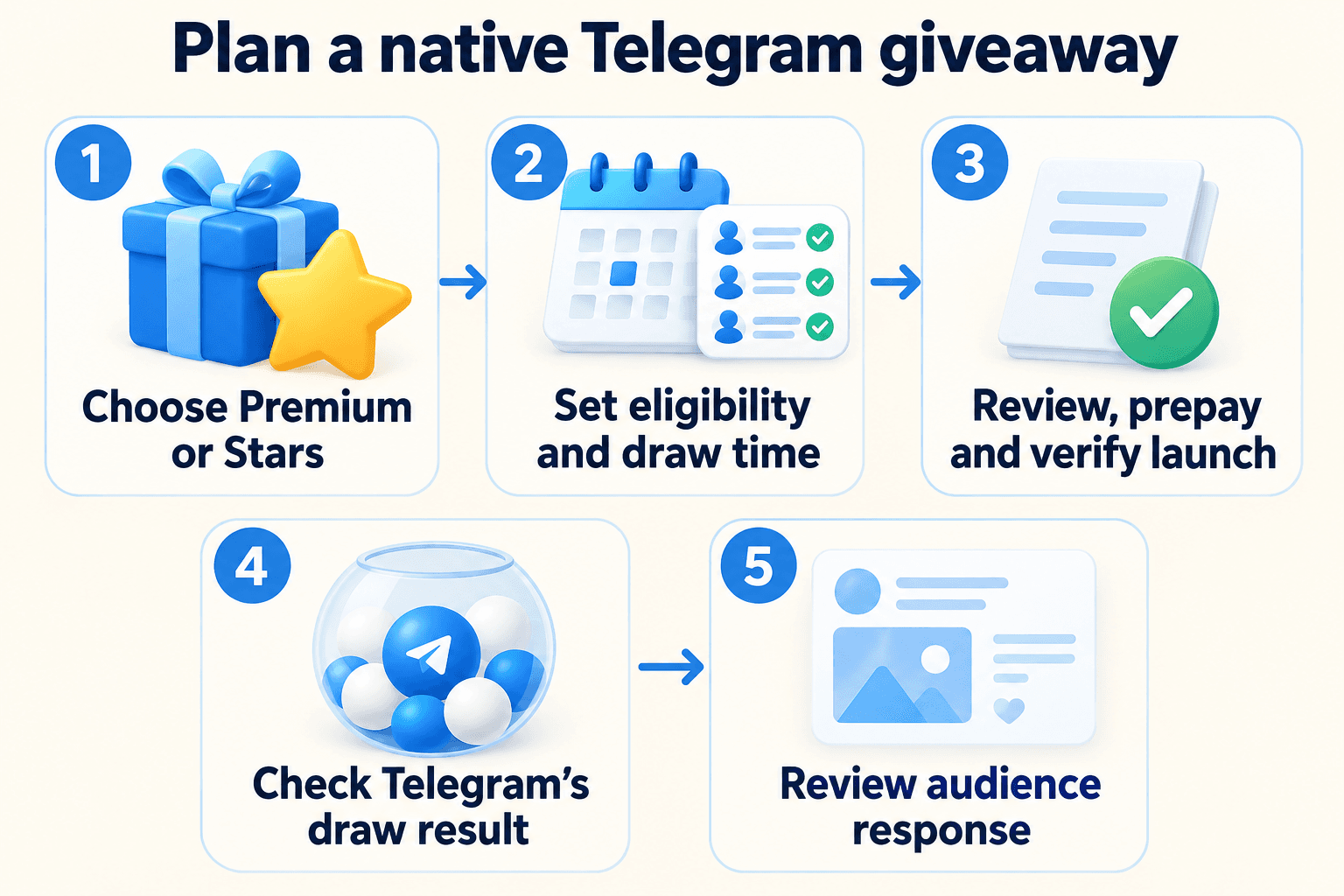
Plan a native Telegram channel giveaway: choose Premium or Stars, check eligibility and payment settings, explain the draw and review the audience afterward.
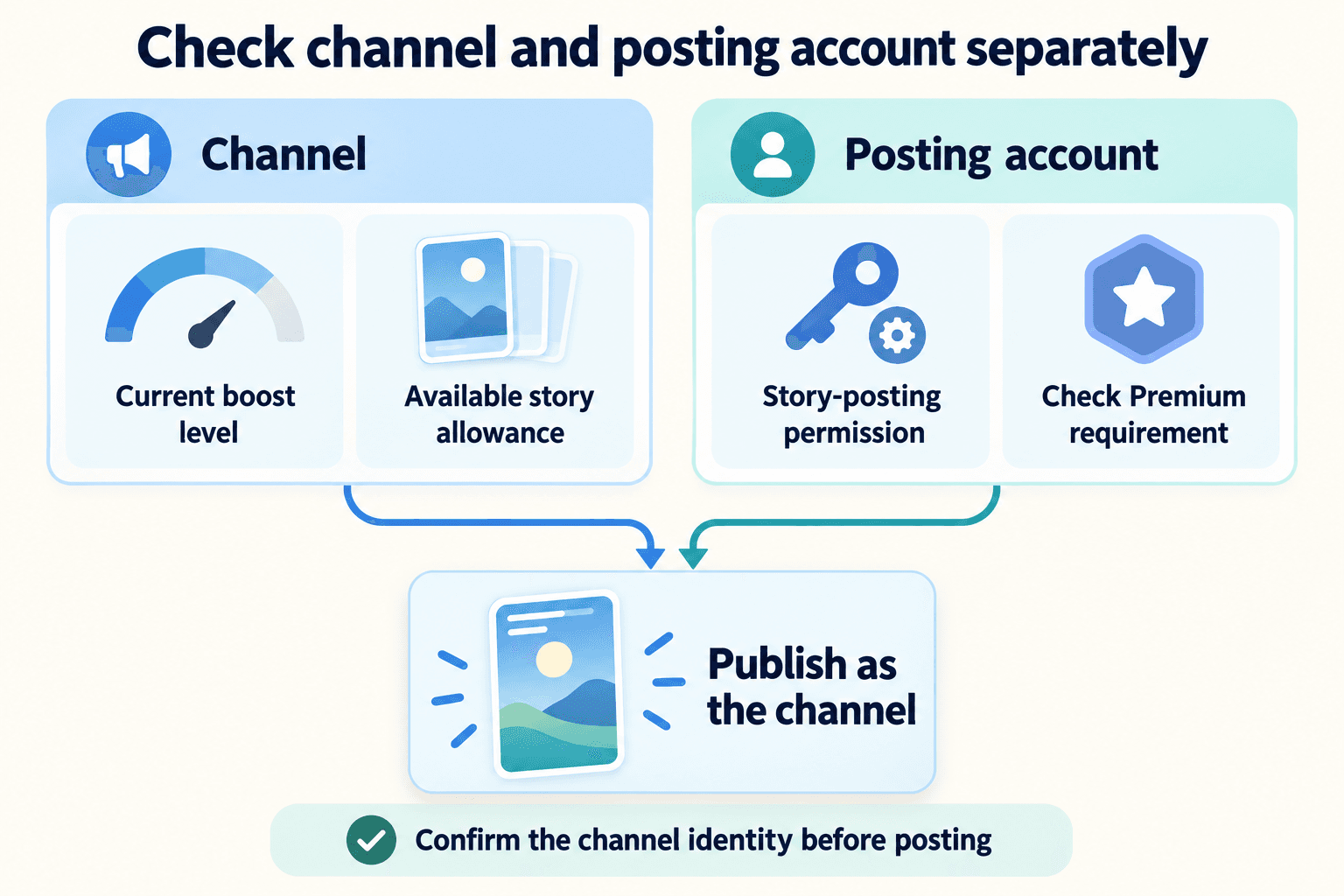
Diagnose unavailable Telegram channel Stories: check the channel’s boost requirement, story capacity, editor permissions, Premium and publishing identity.
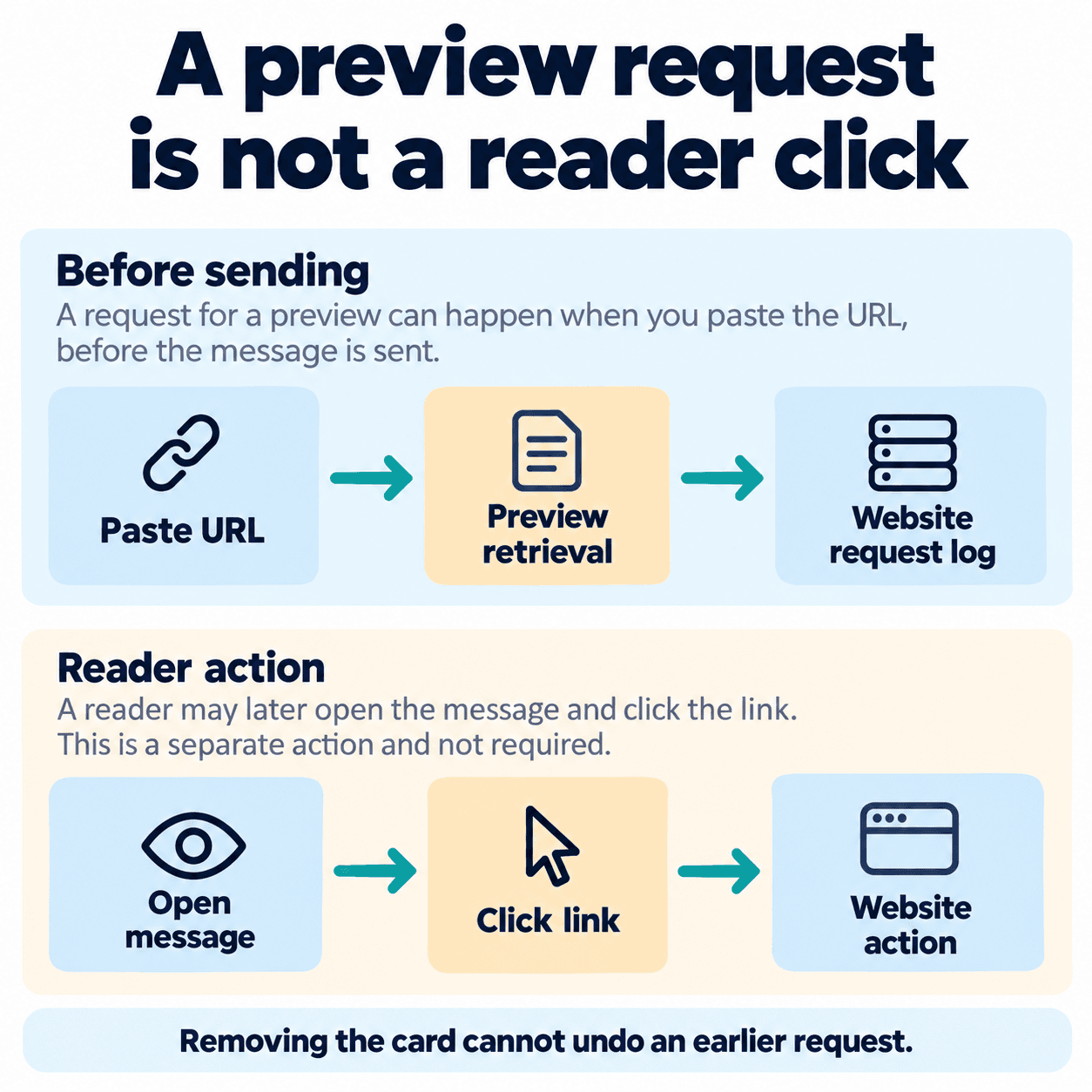
Disable Telegram link previews in the app and Bot API, test requests before sending, and separate server traffic from reader clicks and confirmed actions.
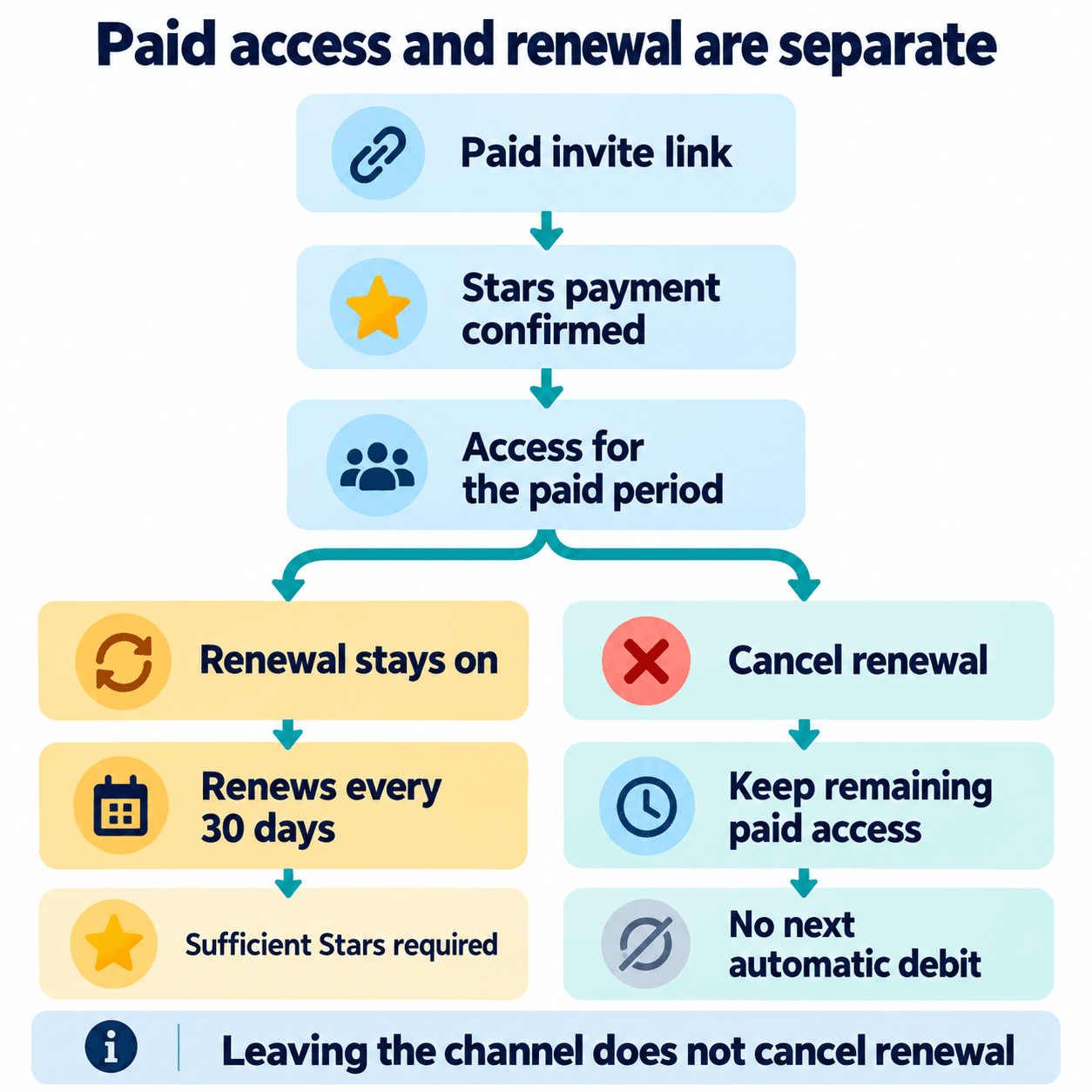
Create a paid private Telegram channel invite, explain the 30-day Stars renewal, and distinguish leaving, cancellation and access before promoting membership.
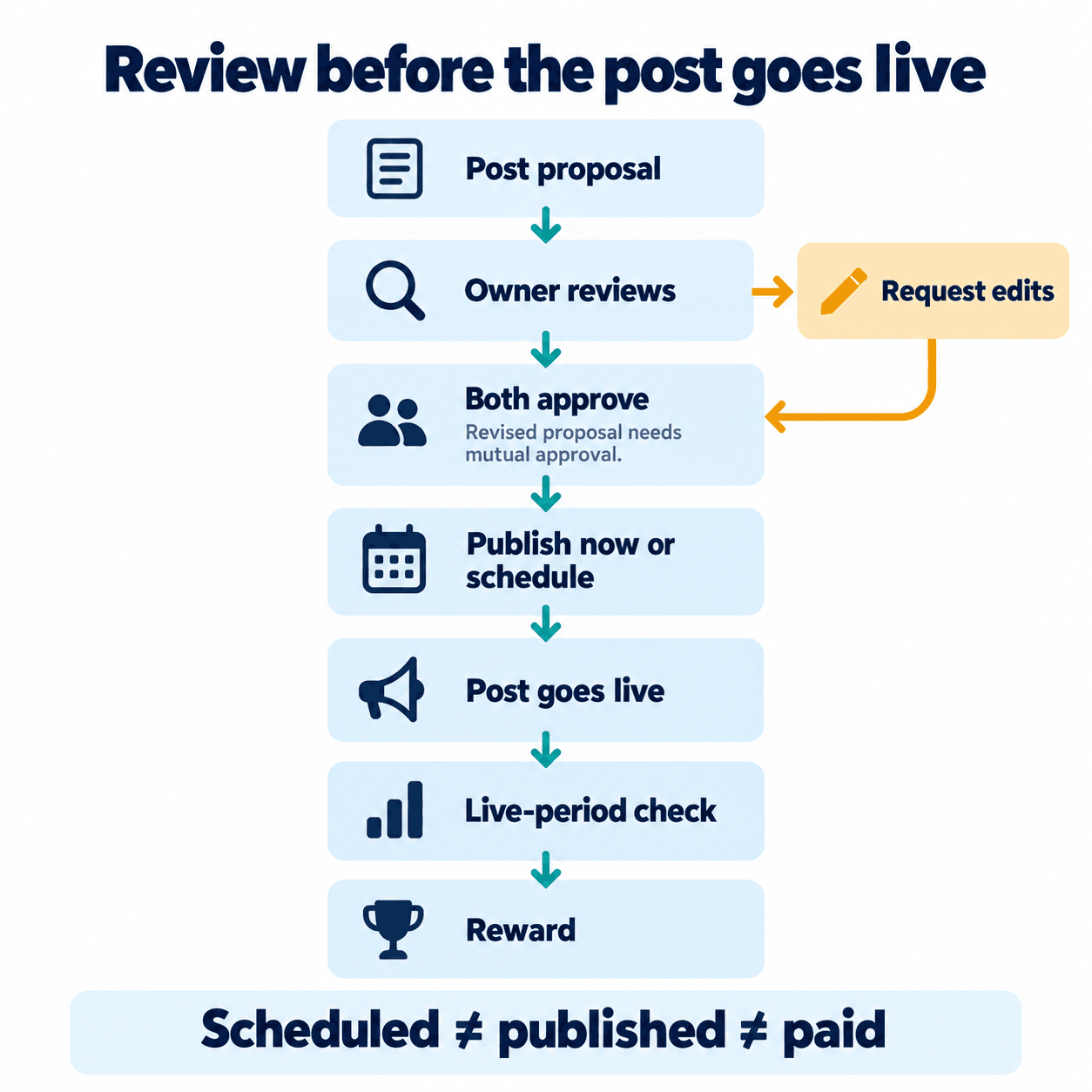
Review Telegram Suggested Posts, send a clear counterproposal, confirm both approvals, and track publication separately from the Stars reward condition.

Enable Telegram channel Direct Messages, choose administrator access and any message fee, then check the reader's private enquiry and reply experience.

Map Telegram bot start codes to website, QR and partner campaigns, then verify source capture with a clear handler policy and six acceptance checks.

Find native Telegram channel statistics, read growth and view-source charts, inspect available public forwards and turn observations into practical tests.

Evaluate a Telegram channel ad placement, compare post views fairly, agree timing and edits, prepare the destination and measure qualified enquiries.

Set up a private Telegram group admission journey: source-specific invites, approval ownership, a useful welcome, leaked-link handling and onboarding checks.

Build a Telegram channel publishing routine with native scheduling, clear approval, timezone checks, corrections and live verification after each scheduled post.

Build a Telegram group invitation beneath a bot message, choose the correct button type, and test the request-to-join journey.

Choose the correct Telegram contact route, understand ordinary bot access, and build onboarding that records a usable chat ID after the user starts.

Build relevant Telegram bot broadcasts with saved topic choices, name fallbacks, message variants and campaign links, then preview and measure each step.

Stop repeated Telegram auto replies. Choose greetings, away messages or a bot flow, qualify an enquiry, and hand the conversation to a person with context.

Connect a discussion group, understand where Telegram comments live, troubleshoot missing replies and turn channel questions into useful customer conversations.

Build a practical Telegram channel content plan using customer questions, polls, reactions and follow-up posts, with a weekly example and measurement checklist.

Plan member permissions, moderator roles, slow mode, topics and a clear start-here message before inviting customers into your Telegram group.

Choose between a WhatsApp Channel and private customer broadcasts, understand follower privacy, and plan a voluntary path from updates to enquiries.

Plan Telegram Business chat links for product pages, event signs and printed cards, with useful suggested messages and clear enquiry measurement.

Plan a WhatsApp win-back campaign around purchase history, a useful reason to return, appropriate audience selection and measurable repeat purchases.

Choose private customer updates or shared WhatsApp discussion, distinguish broadcast lists from business broadcasts, and prepare an appropriate audience.

Build a Telegram marketing strategy for your existing audience: assign channel and chat roles, create useful entry points, and measure conversations separately from views.

Organize owned Telegram contacts by source, customer stage and communication preferences, then define who to include, hold or exclude from each campaign.

Review an owned Telegram phone number list by separating registration-check results, customer context and contact preferences before handing a campaign audience to your team.

Plan Telegram campaign messages with a clear publication location, useful copy, a response owner and separate measures for views, conversations and sales.

Understand Telegram last-seen labels without confusing them with checker activity results. Combine observations with customer inquiries, purchases and contact preferences.

Build a WhatsApp marketing workflow around enquiries, quotations and repeat orders, with clear customer entry points, permissions, response owners and measures.

Separate WhatsApp registration-check results from campaign readiness. Review your owned contacts, opt-in records and exclusions before handing a list to the campaign team.
Prepare a cleaner phone list before bulk Telegram or WhatsApp checks: normalize country codes, remove duplicates, choose the right check and review results.
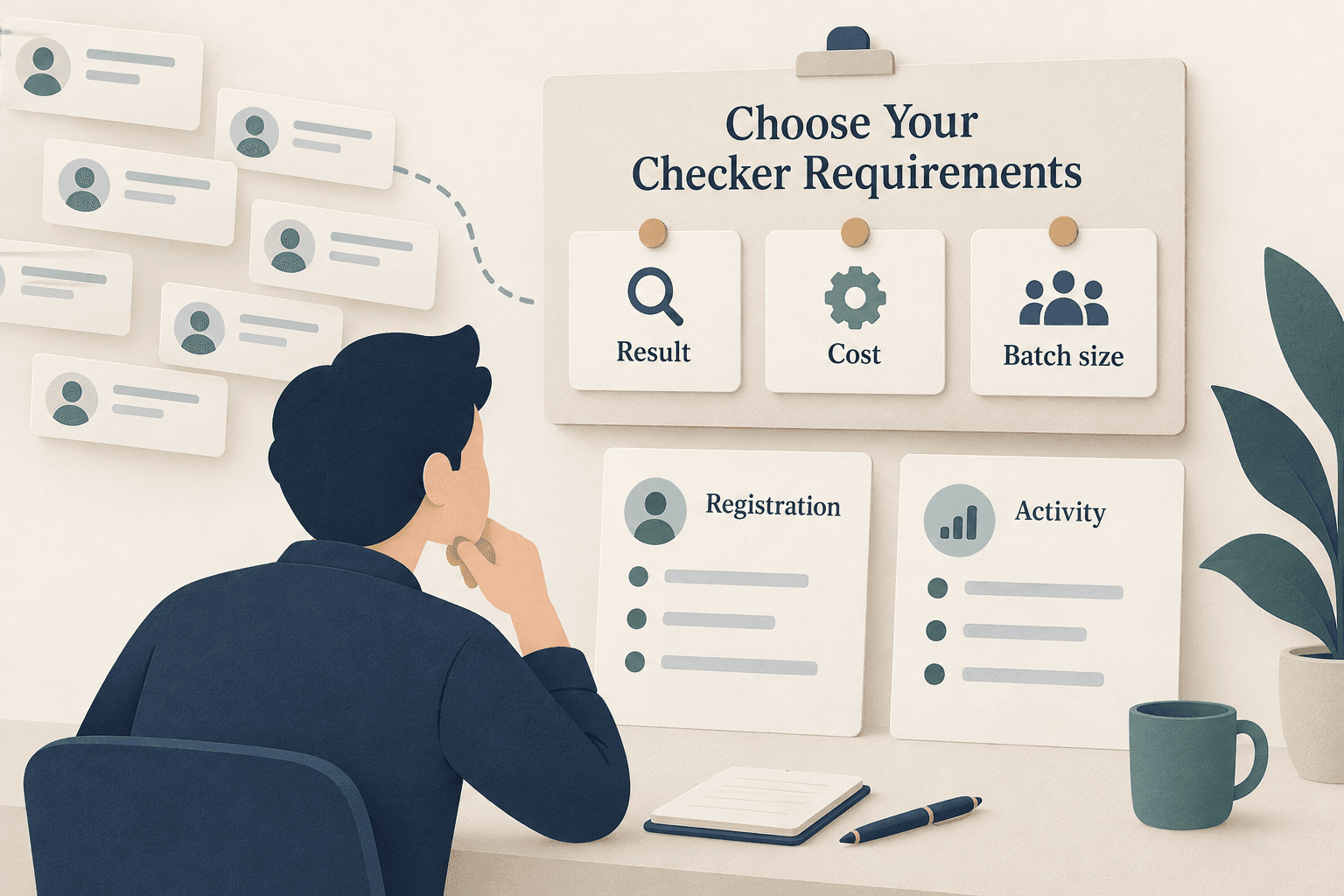
Compare WhatsApp checking services by result type, pricing, minimum batch and upload requirements, then choose the check your contact list needs.
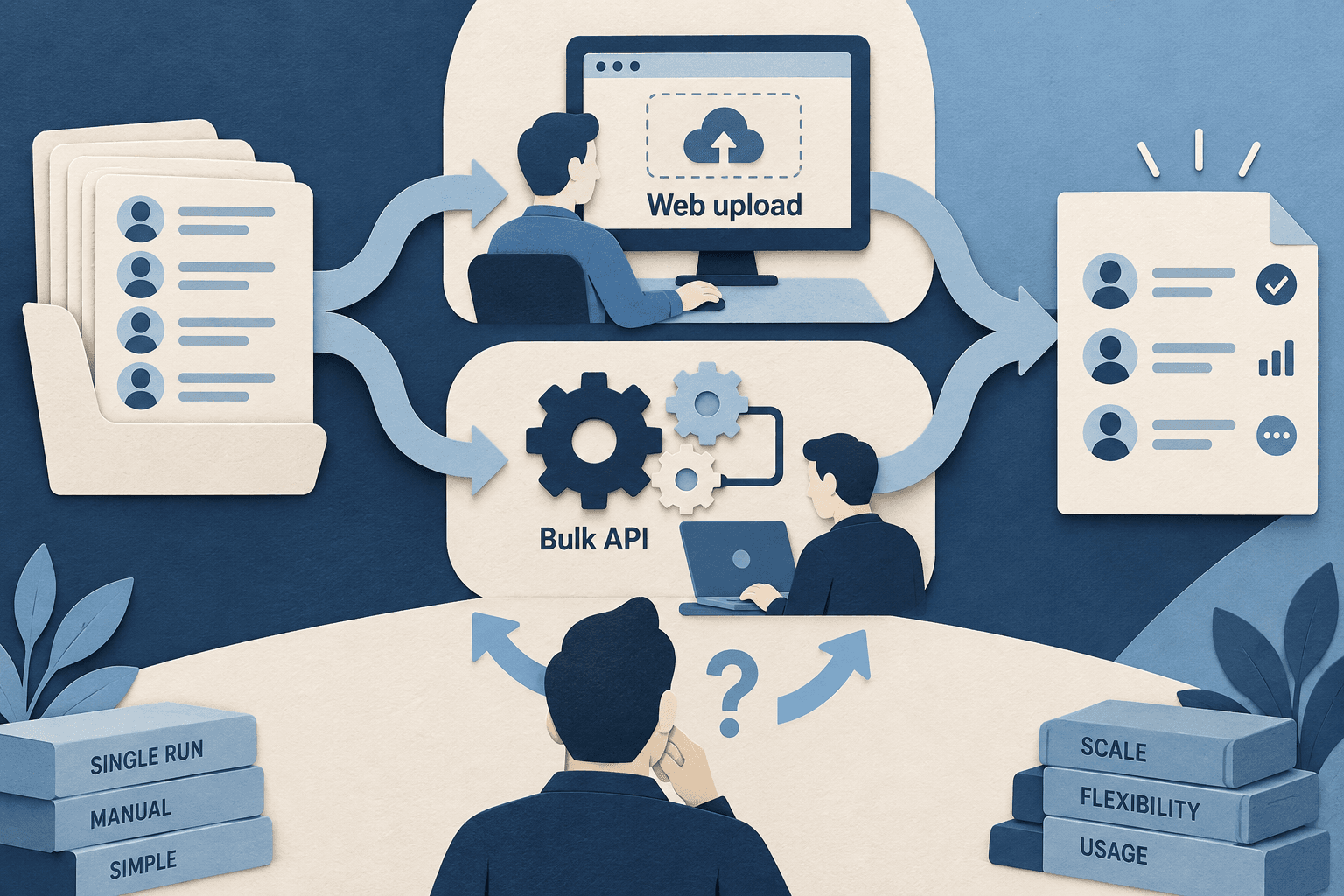
Choose a Telegram checking service by phone-list input, registration and activity results, country support, batch requirements and web or API workflow.
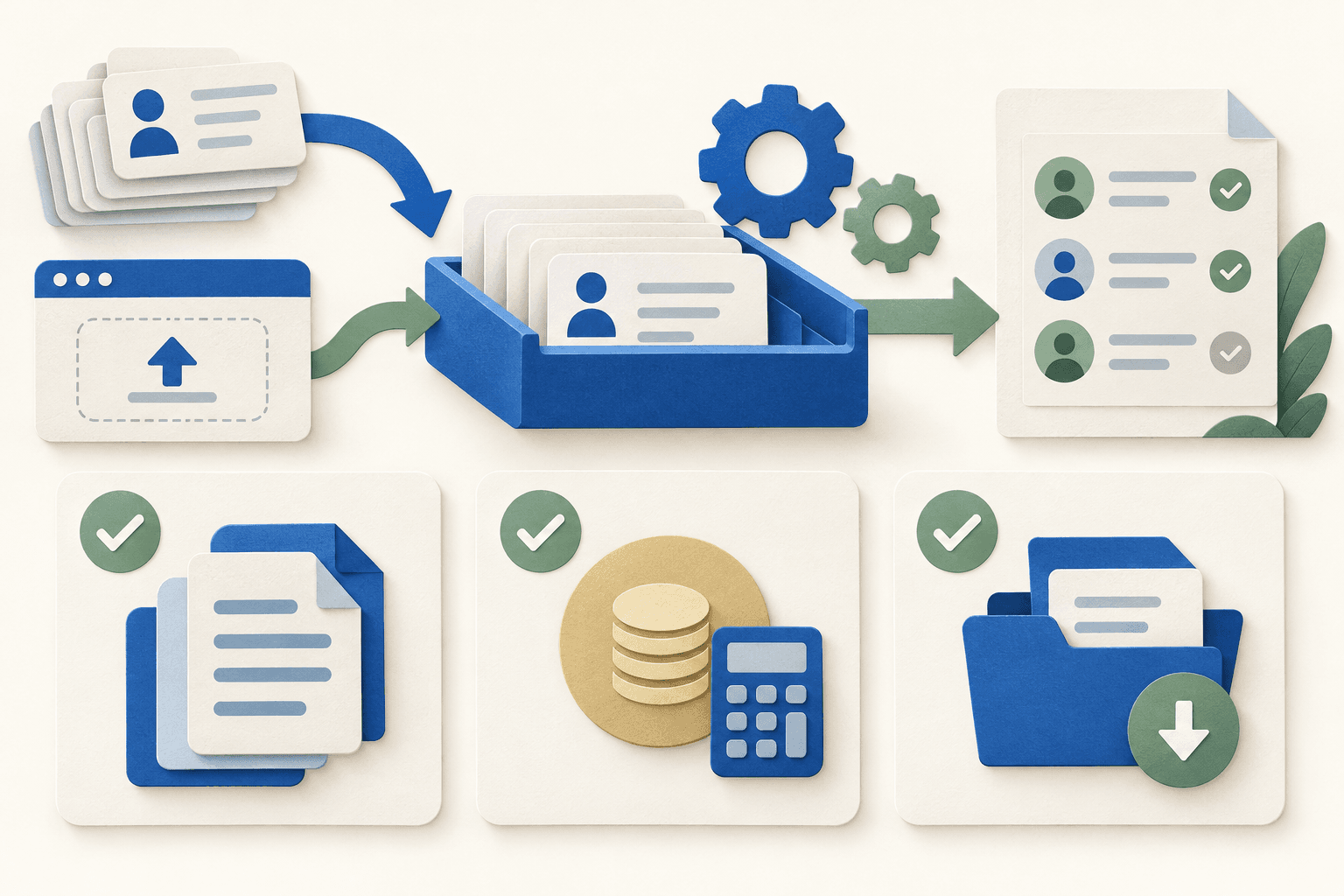
Compare WhatsApp and Telegram checking APIs by batch size, result type, billing and file requirements before choosing an integration or a web order.