How to Choose a Bulk Telegram Number Checker
Updated:
A Telegram number checker should match the list you already have and the question you need answered. A service that accepts phone numbers is a different purchase from a username search tool. Before comparing offers, check the input, the returned information and how you will receive the completed result.
For a buyer with a phone-number list, the useful comparison is straightforward: does the service support your country, explain its registration and activity results, and fit your order workflow? This guide focuses on those choices rather than ranking untested providers.
Choose a checker for the input you have
Start by distinguishing phone numbers from usernames. PSYKE accepts phone-number lists for bulk checking; a list of Telegram usernames is not the same input. If you need to check usernames or manage an inventory of your own accounts, confirm that a tool explicitly supports that job before purchasing.
For web orders, PSYKE accepts TXT and CSV files with a selected country. Check country availability before committing to an order. A checker accepting a file does not establish universal matching, and registration results do not identify the person currently using a number. For campaign work, first decide which owned contacts belong in the audience using the campaign list review guide. Read activity observations in their own context through the last-seen and activity interpretation guide.
- Phone-number list: compare bulk checking services.
- Username list: verify explicit username support.
- Several countries: prepare separate country batches.
Understand registration and activity together
PSYKE's main Telegram check combines registration and activity-related results. Evaluate the combined output against your needs instead of assuming a separate registration-only price. The Telegram checks and current pricing page describes the available services, including a separate age-and-gender-related option when that information is relevant.
Activity information needs a clear definition. Telegram's last-seen privacy settings limit what can be visible, so an activity result should not be read as a guaranteed exact timestamp or current online status. Registration and activity signals also do not establish message delivery, consent or willingness to respond.
Compare services using the same checklist
Ask each provider the same questions. The table below is a purchase checklist, not a scorecard: it helps you compare offers without treating a broad promise such as “active users” as a precise result definition. For installed software, also check what account access and local setup it requires.
- Compare the same service scope and input quantity.
- Confirm which fields may be unavailable.
- Check export compatibility with your next tool.
- Free vs paid: verify batch allowance, result definitions and export options. A single lookup and a paid list check can serve different needs.
| Criterion | What to verify before purchase |
|---|---|
| Input | Phone numbers or usernames; accepted file format |
| Country | Your selected country is available |
| Minimum batch | Required quantity after input processing |
| Result | Meaning of registration and activity fields |
| Cost | Billable input count and current service rate |
| Access and export | Required accounts or permissions; downloadable format |
Choose web upload or a bulk API
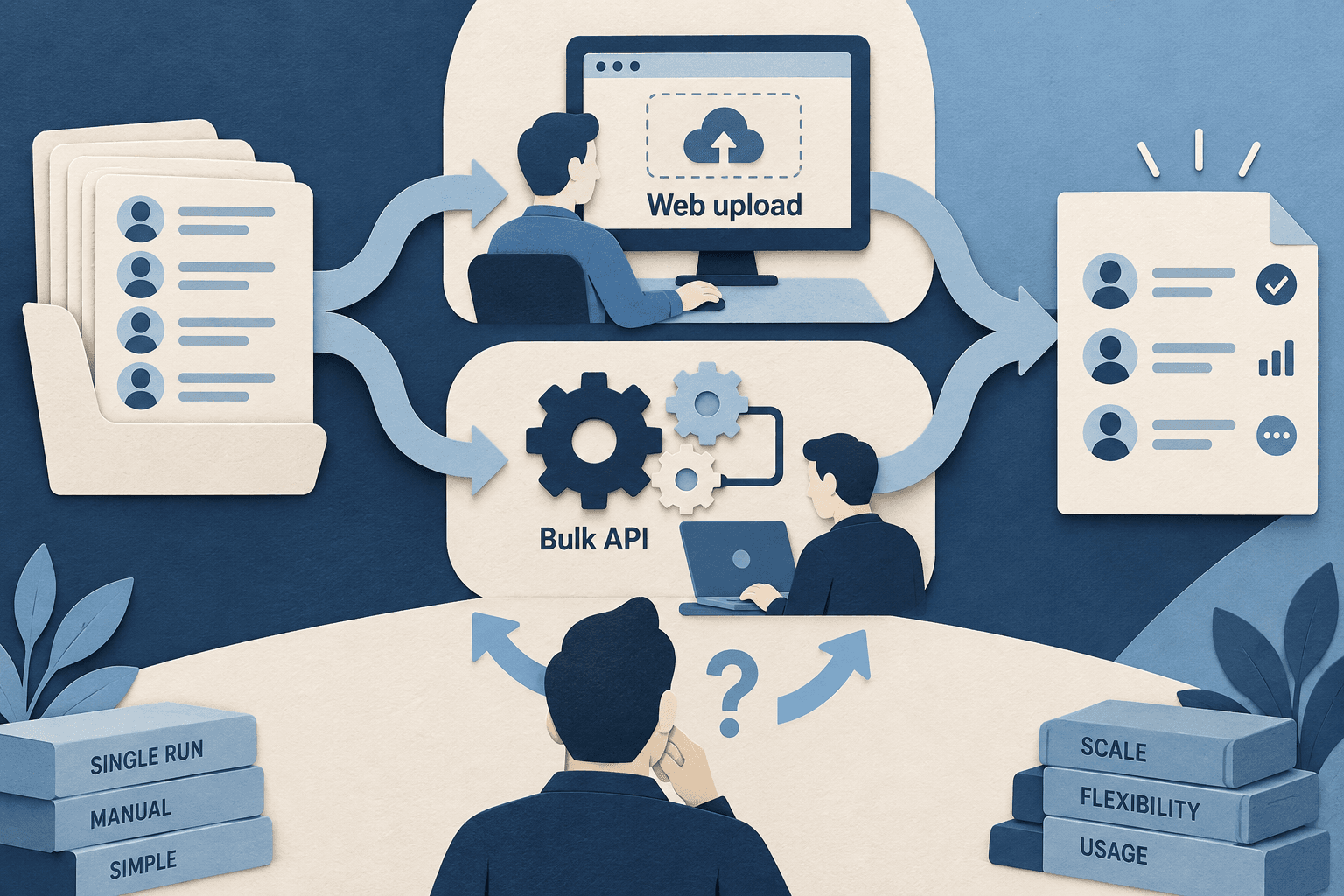
Web upload suits buyers who want to select a service, review a file and confirm an order manually. It also provides a practical starting point for understanding the result before connecting checking to a recurring business process. Choose the workflow you can operate consistently, rather than assuming an API produces better information.
The reseller API suits repeat file-based orders. It uses an asynchronous bulk workflow: submit an order and download its completed result. To compare bulk checking APIs, review batch fit, billing and file requirements; use the Telegram bulk API requirements for implementation.
Confirm the Telegram order before starting
PSYKE requires at least 2,000 valid numbers after normalization. An uploaded file with 2,000 rows may fall below that minimum after duplicates or unsuitable entries are removed. Charges follow accepted valid input quantity and the selected service rate, rather than only the numbers returned as registered.
Check the country, current rate and accepted quantity before confirming. You can prepare your phone-number list using the existing file guide, then review Telegram checks and current pricing to choose the service. Once completed, download the result and interpret it according to the service you ordered.
- Web input: TXT or CSV; phone value in the first CSV field.
- Keep the original list and a stable mapping for matching results.
- Web results can use CSV; XLSX availability depends on result size.
Frequently asked questions
Can a Telegram checker work from a phone-number list?
PSYKE supports bulk phone-number lists with a selected country. Web input is TXT or CSV and orders require at least 2,000 valid numbers after normalization. Check country availability before ordering.
Does an activity result show an exact last-seen time?
It should not be treated as a guaranteed exact last-seen timestamp or current online status. Telegram privacy settings affect visibility, and the service result must be interpreted according to its definition.
Should I choose the web service or API?
Choose web upload for manual orders and the reseller API when your system needs repeat bulk ordering. API orders complete asynchronously; check the API service list, input rules and current rates separately.