TData vs Telethon .session + JSON: Which Files Does Your Tool Need?
You are preparing an authorized Telegram account for a team’s channel tool. One importer requests a tdata folder; another requests a .session file and a matching JSON file. Choosing the wrong input can leave the account unavailable even when the files are intact.
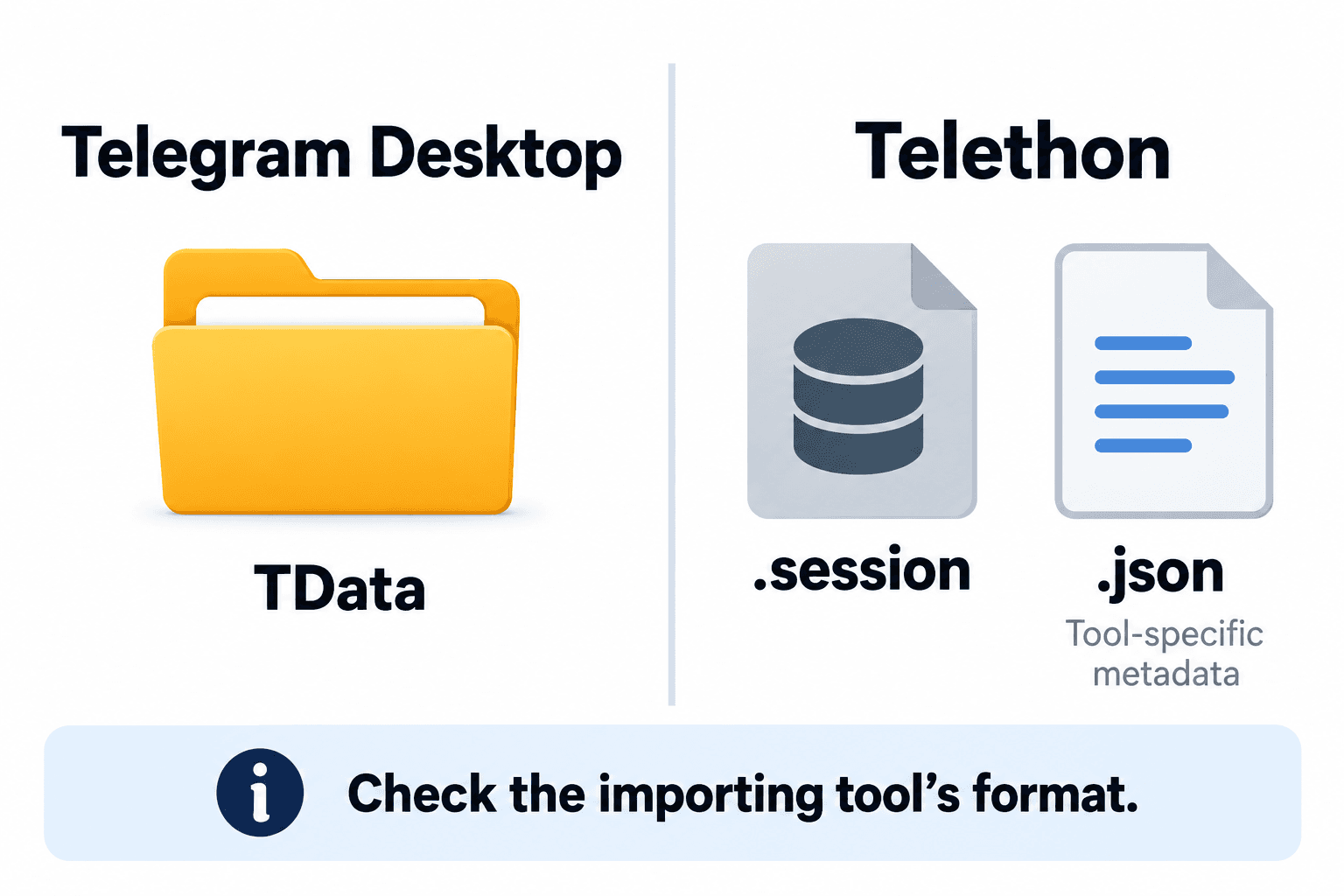
tdata belongs to Telegram Desktop’s local storage. Telethon normally uses a SQLite .session database. A companion JSON file is defined by the tool requesting it; it is not a universal Telegram login format. Start with the destination program’s documented import contract, then verify the account and authorization it actually opens.
1. Match the files to the program that reads them
The table describes file roles, not a guarantee that any particular importer supports them. Ask which client produced the files, which version it used and which account you are authorized to operate. A filename alone cannot answer those questions.
| Input | What it represents | Compatibility check |
|---|---|---|
| tdata folder | Telegram Desktop local storage, potentially including sensitive account state | Desktop storage layout and importer versions |
| Telethon .session | Default SQLite authorization and client cache storage | Telethon storage implementation and target tool support |
| Companion JSON | Optional metadata or configuration defined by another tool | Exact required keys, meanings and schema version |
| Telegram export JSON | Offline chat/data export | Archive reader; not a login-session importer |
2. Understand tdata and the Telethon session boundary
Telegram Desktop source initializes a tdata directory beneath its working directory and implements local storage reads and writes there. The location used by an installed application can vary with its platform and packaging. Use that application’s actual data location rather than assuming a path from another computer.
Telethon 1.45.0 documentation, checked on 28 October 2026, identifies SQLiteSession as the default on-disk backend. Its database holds connection and authorization information and normally caches encountered entities. Alternative session backends exist, so the extension alone is insufficient proof of database type.
Neither object is merely a contact list. Treat both as private account-access material. Copying an authorization store does not establish that its holder has permission to use the account. Work only with an account you own or have explicit authority to operate.
3. Ask what the JSON means before importing it
A tool may request JSON to describe its own account label, client configuration or other settings. That meaning comes from the tool’s documentation. Do not guess required fields, copy unrelated configuration or assume every field is harmless. A JSON object may also contain secrets.
For example, a hypothetical importer might pair operator.session with operator.json by basename. Another importer might require one manifest for several sessions. These are illustrative contracts, not a Telegram specification or a supported configuration for a named product. Obtain a documented sample with synthetic values from the destination tool.
Telegram Desktop also exports conversations and media for offline access in JSON or HTML. That archive serves a different purpose from login state. Renaming an exported chat JSON, or placing it beside a session file, does not turn it into an authentication companion.
4. Use a version-aware migration checklist
1. Record the source client, destination program, operating system and exact versions. Confirm the destination explicitly supports the source storage variant. If its documentation only says “session,” ask which library and storage backend that means.
2. Confirm account ownership or delegated permission, the intended account and the approved purpose. Keep a protected recovery copy before any tool changes source files. Close the owning client cleanly before copying its live storage.
3. Review any converter’s documented input/output formats and version limits. Do not upload authorization files to an unknown web converter. Prefer a documented normal login in the destination when conversion support is unclear and that workflow is available. If Desktop storage has a local passcode, check that the destination explicitly supports it and keep it private; it is separate from the account’s two-step verification password.
4. Inspect whether the proposed workflow reuses authorization material or performs a fresh login. These are different operations. A converted filename does not prove a new authorization, preserved settings or complete client-cache migration.
5. Test one authorized account in an isolated working directory. Confirm the destination shows the intended identity and the expected authorization state. Stop on unexpected login prompts, a wrong identity or undocumented file changes; retain the error without exposing file contents.
6. Verify the actual required operation in a controlled destination. Opening an account does not prove channel posting rights, membership, importer completeness or permission to contact an audience. No conversion method guarantees fewer restrictions or successful message delivery.
5. Keep one owner and verify account-specific state
For a Telethon SQLite file, designate one running owner. If an importer and worker compete for the same file, use the session ownership guide to investigate locking before retrying. Making copies merely to suppress a lock can create a separate authorization-management problem.
If migration involves a fresh login, keep resolved peer data within its appropriate account and authorization context. The access-hash authorization guide explains why a shared target ID and a reusable resolved peer are different things.
Keep session files, tdata, companion configuration, backups and diagnostic attachments out of public repositories and shared tickets. Limit local access to the people and processes that need it. If account-access material is exposed, use Telegram’s active-session controls to revoke affected access and re-establish the intended client authorization.
PSYKE provides number checks for an authorized phone list. Number checking is a separate task from choosing the client storage format your own software supports.
Frequently asked questions
Can I rename tdata to .session or convert chat export JSON into a login?
No. A folder name or extension does not translate a storage format. Telegram chat export JSON is an offline archive. Use the destination tool’s documented import path or its supported normal authorization flow.
Does every Telethon .session need a JSON file?
No. Telethon’s default SQLite session storage does not define a required companion JSON file. A separate application may require its own metadata file; check that application’s schema and supported versions.