Stop Native Forwarding from Your Paid Telegram Channel: Owner Settings and Their Limits
A subscriber pays to join your Telegram channel, then asks whether they may forward a lesson to a colleague. Payment and content sharing are separate decisions. A paid invitation does not itself switch off native forwarding or media saving.
The group or channel owner can enable Restrict Saving Content. Use that setting for Telegram's native sharing restrictions, check the member experience in a current official client, and prepare a separate public sample for promotion. Describe the limits clearly: this is not a guarantee that material can never be copied or leaked.
1. Separate membership access from saving and forwarding controls
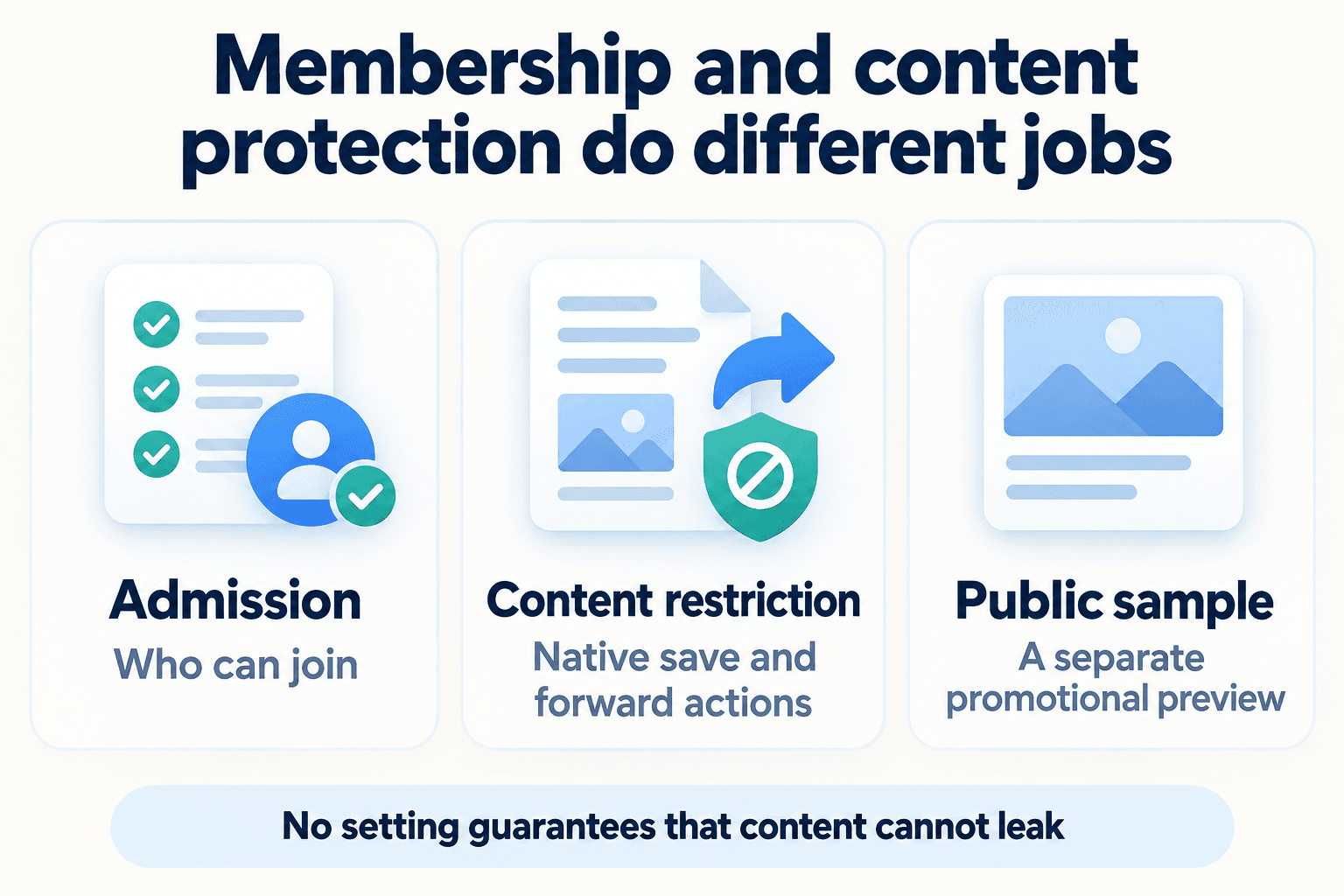
Start with two questions: who may join, and what sharing controls should apply once they are inside? Keep the answers in separate parts of your launch checklist. Membership terms explain access; the content restriction governs native sharing behavior in the group or channel.
For billing, renewal and cancellation, use the guide to paid channel Stars subscriptions. Then decide which lessons belong behind membership access and which material you will deliberately publish for everyone. This prevents a sales promise such as 'exclusive lessons' from quietly becoming an unsupported promise of complete copy prevention.
| Control | Purpose | What it does not establish |
|---|---|---|
| Paid invitation | Manage paid membership access | Copy prevention |
| Restrict Saving Content | Apply native forwarding and saving restrictions | Protection against every possible leak |
| Separate public sample | Give prospects an approved preview | Access to the full paid material |
2. Ask the owner to enable Restrict Saving Content
Sign in with the account that owns the intended group or channel. Telegram's current content-protection documentation makes the group/channel toggle owner-only. If you manage posts as an administrator but cannot change this setting, involve the owner; granting unrelated administrator permissions is not the documented solution.
Telegram's published navigation is Group or Channel Info → Group / Channel Type → Restrict Saving Content. Open the community profile and look in its editing or type settings in your current official application. Labels and placement can differ by client, version and language. Confirm the community name before enabling the option, and check that the saved setting remains enabled.
Telegram describes this feature as restricting forwards, copying and screenshots, and limiting media saving. Treat that description as native client behavior to verify, rather than a promise of universal digital rights management. Group and channel protection does not require Premium. Protection for a private one-to-one chat has separate Premium rules; a bot's per-message protection is also a different mechanism.
3. Test the member experience before changing your offer
Arrange an authorized check with an ordinary member account in an official Telegram client. Use a harmless test post and representative media that your team owns. Check whether the normal forward and media-save actions are unavailable or restricted, and confirm that the member can still read the lesson. Record the client, version, date and observed behavior.
Hypothetical marketer example: a team selling workshop lessons asks its channel owner to enable protection, then has a colleague check the member view on the team's supported clients. The launch checklist records the controls actually observed and flags any unexpected result for review. This is a suggested workflow, not a device test performed for this article.
If the ordinary sharing controls remain available, first confirm the destination, owner account, saved setting and application version. Pause claims about that behavior until you resolve the discrepancy. A successful check of one client does not establish identical behavior on every device, and this check should not become an experiment in bypassing the restriction.
4. Keep an authorized public sample for acquisition
A prospective member still needs enough information to judge the offer. Have the owner approve a short public lesson, a newly written summary or a purpose-made preview graphic. Create that sample separately from material posted in the protected channel, and publish it in a public destination with clear permission to share it.
Do not build the preview workflow around forwarding a protected post or extracting its contents around Telegram's controls. Work from your own approved source material and create a distinct public asset. Check permissions for guest speakers, customer stories and third-party images before including them.
In the workshop example, the team could publish a new introductory exercise, explain what the paid lessons add, and provide the intended joining route. Use your channel content plan to choose a useful sample and its next step. Keep the public preview accurate enough that people understand what they are buying.
5. Respond to a reported leak with evidence and clear expectations
Give members one route to report an unauthorized public copy. Ask for the location, date and enough context to identify the material; preserve the report and compare it with your owned originals. Assign someone to review it and choose an appropriate platform-reporting or rights-enforcement response. A report is a lead to investigate, not proof that a particular subscriber caused it.
Keep leak reports separate from channel statistics and marketing decisions. Do not turn view or share counts into a named list of private forwarders, and do not promise that enabling protection will identify a person responsible for a copy. Review the public offer if its wording suggests stronger protection than you can substantiate.
For an unrelated task involving an authorized phone list, PSYKE supports number checking. It does not enable this Telegram setting, manage paid admission, moderate the channel or detect leaks. The practical next action here is for the owner to review protection and approve the public sample.
Frequently asked questions
Why can an administrator not find or change Restrict Saving Content?
Telegram's current documentation makes the group/channel protection toggle owner-only. Confirm which account owns the community and ask that owner to check its current official client. Menu placement can vary; unrelated administrator permissions are not the documented solution.
Does Restrict Saving Content require Premium or make a paid channel leak-proof?
Group and channel protection does not require Premium. Private-chat protection has separate rules. The group/channel setting applies native sharing restrictions; it does not establish that every copy or leak is impossible. Verify the member experience and describe the limits in your offer.